8 tools in one app.
Stop paying for each separately.
QR cards, voice notes, AI search, document AI, follow-ups, campaigns — one subscription, one place.
Your Smart Card
Jane Doe · Realtor @ Century 21
Scan to connect
Saves contact · shares brochure · sends WhatsApp
01
QR Smart Card
Meet someone. Done in 5 seconds.
You hand them your phone — or they scan your card. In one tap they share their contact info, you share your digital business card and any brochure or prospectus, a WhatsApp message goes out automatically, and they're saved in your app. Walk away knowing the follow-up is already set.
- Prospect fills in their info — saved for you, no typing
- Your business card, brochure, or listing sent on the spot
- Automatic WhatsApp message to the new contact
- Works offline · instant on any mobile
Open House — Maple St
Campaign · Started 3 days ago
47
Scans
12
Leads
31
Downloads
Recent leads
Sarah K.
Downloaded flyer
Tom B.
Sent contact
Maria L.
Downloaded flyer
02
Campaign QR Codes
Put a QR on a flyer. Get qualified leads back.
Add a quickCLIENT QR code to any flyer, yard sign, postcard, or social post. When someone scans it, they can download the flyer and send you their contact info — simultaneously. Your analytics dashboard shows every scan, lead, and download in real time.
- One QR does three things: download, capture, notify
- Real-time dashboard: scans, leads, downloads per campaign
- Works at open houses, events, mailouts, or social media
- Every lead goes directly into your client list
142 Maple St Walkthrough
AI report ready

"Kitchen — updated appliances, good condition. Master bath — grout resealing needed. Roof — last inspected 2021, no visible damage..."
Share with client
03
Property Walkthroughs
Walk the property. Talk as you go. AI writes the report.
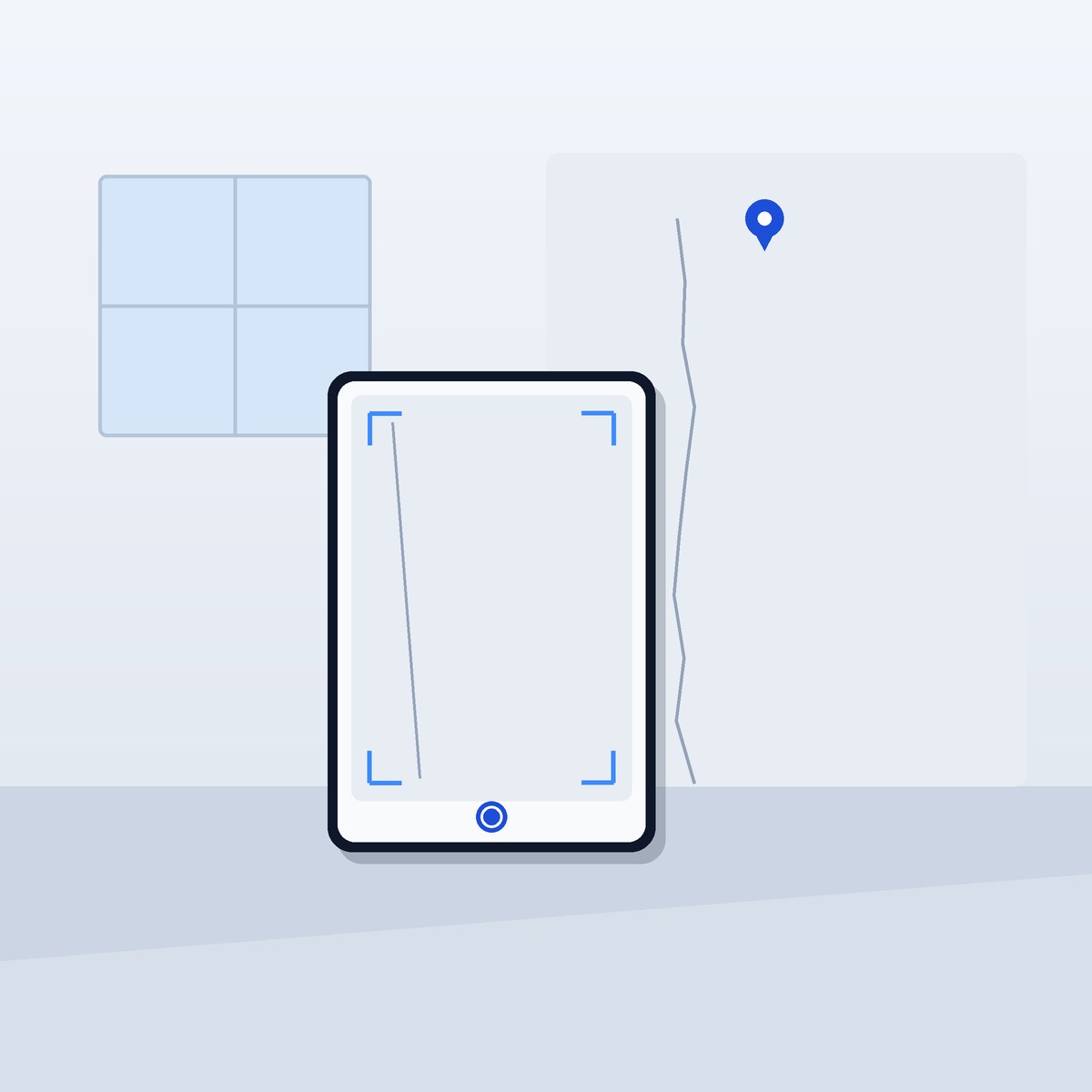
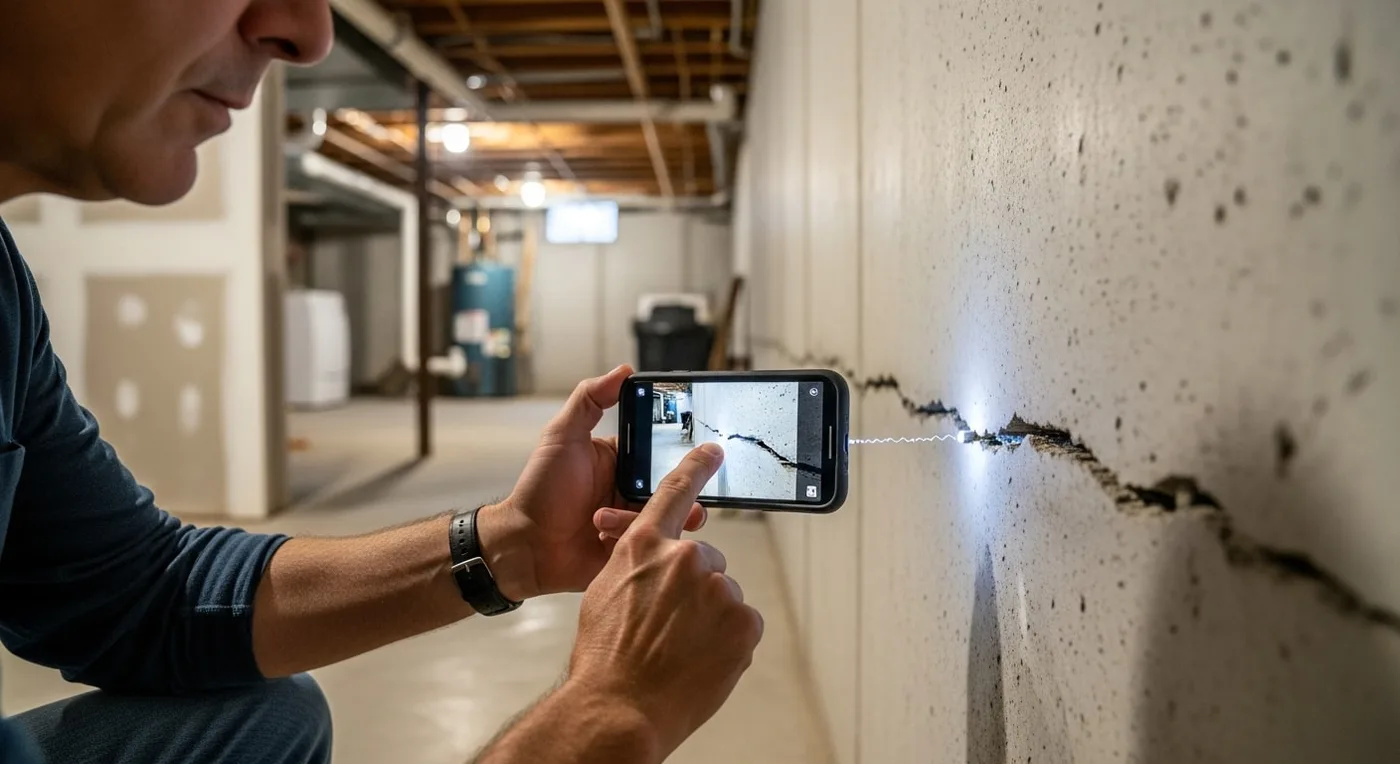
Realtors, inspectors, and contractors can walk a property, narrate observations, and snap photos along the way. quickCLIENT's AI stitches your audio and photos into a formatted, professional document you can share with your client in minutes — no typing, no editing.
- Record voice notes room-by-room while you walk
- Photos attach automatically to the right section
- AI generates a clean, shareable report from your raw input
- Send directly to your client from inside the app
Priya Sharma
Insurance · Policy renewal Feb 2025
"Priya has 3 kids, values life + disability. Renewal in 60 days. Last discussed adding umbrella policy — she was interested."
Timeline
04
One Client Record
Their history in one place — ready for the call.
Every call, note, document, and follow-up lives on a single client timeline. The AI Summary gives you a full briefing before every conversation — one tap. The summary only ever draws on what you've captured — grounded in your own notes, never invented.
- Full timeline: notes, files, voice recaps, follow-ups
- AI Summary: a pre-call briefing in one tap
- AI Summary: a grounded briefing built from your notes
- Nothing buried. Nothing forgotten.
Today's Follow-ups
3 dueSend quote to Marcus
"You said you'd send the quote today" — voice note, 2 days ago
Sarah Kim
Schedule inspection walkthrough
Tom Bravo
Follow up on mortgage pre-approval
05
Smart Follow-ups
It remembers the commitments you make — so you don't have to.
Speak a voice recap after a call and follow-ups are set automatically from what you said. But here's the part no other tool does: even if you forget to set a reminder, quickCLIENT reads your notes and surfaces it anyway. "You said you'd send the quote today" just appears on your list.
- Follow-ups auto-created from voice recaps — no manual entry
- AI reads your notes and detects implicit commitments
- "You said you'd send the quote today" — shown automatically
- One daily to-do list across all your clients. Zero slippage.
3 clients matched
Michael Reynolds
"...loves the kitchen, 3-bed minimum, wants to stay near downtown schools..."
Hana Kimura
"...budget $750k, 3-bed or larger, prefers downtown walkability..."
Jordan Tan
"...flexible on timing, 3-bed required, downtown or close suburb..."
06
AI Search
Type their name. Know everything in 3 seconds.
Type a name, email, or phone number — the AI surfaces what you've saved about that client: last conversation, their preferences, their family details, what you promised. Answer the call already knowing their spouse's name, their budget, and exactly where you left off.
- Search by name, email, or phone number
- AI summary ready before the call picks up
- Last conversation, key preferences, open promises — all surfaced
- Ask "Who's interested in a 3-bed near downtown?" across your whole book
42 pages · Uploaded today
07
Document AI
Upload a PDF, ask questions, and get answers from it.
Upload policy documents, inspection reports, contracts, or any PDF — right inside the app. Then ask the AI questions about it in plain English. No more scrolling through 40-page documents looking for one number. The AI answers only from what's actually in your document — nothing invented.
- Upload any PDF directly to a client record
- Ask questions in plain English — AI answers from your notes
- Answers drawn only from your document's actual content
- Works on contracts, policies, reports, appraisals — anything
The simplest client-memory workflow ever built.
Speak it. It captures it. You close it.
1
Capture everything
Speak a recap after a call, scan a QR at an event, snap photos on a walkthrough. Everything gets saved without typing.
2
AI organizes it
quickCLIENT extracts key facts, sets follow-ups, surfaces insights, and builds your client record automatically.
3
You show up prepared
One-tap AI briefings before every call. Smart reminders for the follow-ups you capture. Be the one who remembered.
Ready to try it?
Request access to start your 14-day free trial. No credit card required.
Request an invite