
quickCLIENTquickCLIENT.ai
Coming soon
AI CLIENT-MEMORY CRM

The CRM that remembers every client—and keeps the next step moving.

Organize clients, prospects, notes, and follow-ups in one place—with Smart QR campaigns, events, and professional walkthrough reports connected when you need them.

Client CRM, Campaigns & Events, and Walkthroughs—connected in one workspace.

ClientsFollow-upsProspectsCampaignsWalkthroughsInsights
Three modules, one workspace

Pick what you need. Combine when it helps.

Each module stands on its own. Together they keep a prospect's whole story — from first scan to an ongoing client relationship — in one place.

Client CRM

Organize relationships, notes, and confirmed follow-ups — with an AI snapshot ready before the call.

Use alone or combine

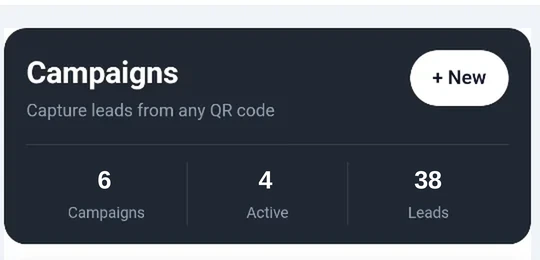
Smart QR Campaigns & Events

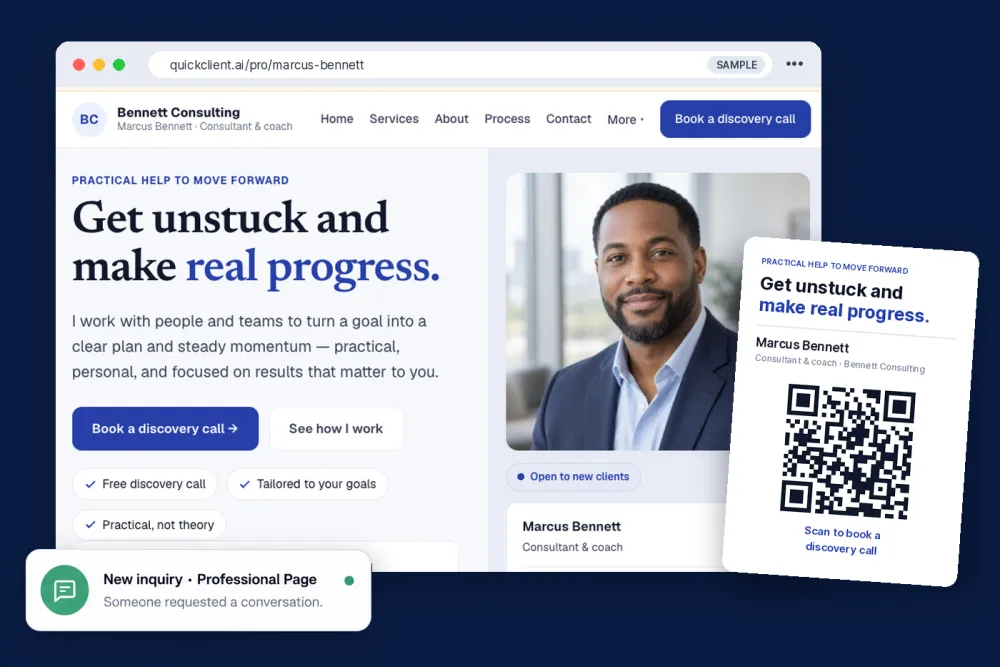
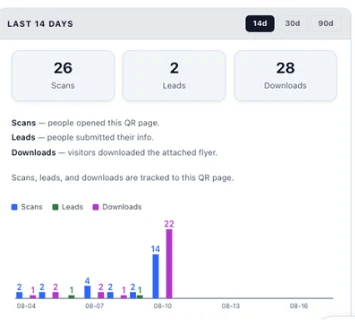
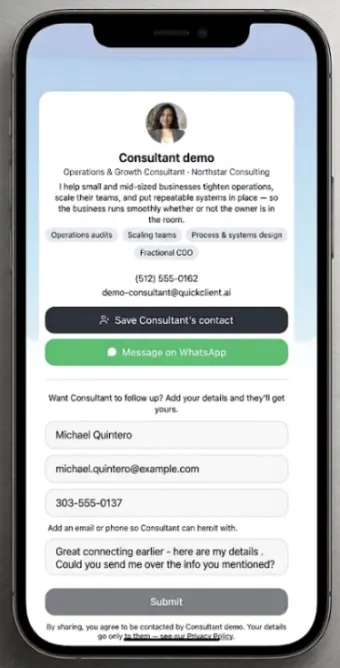
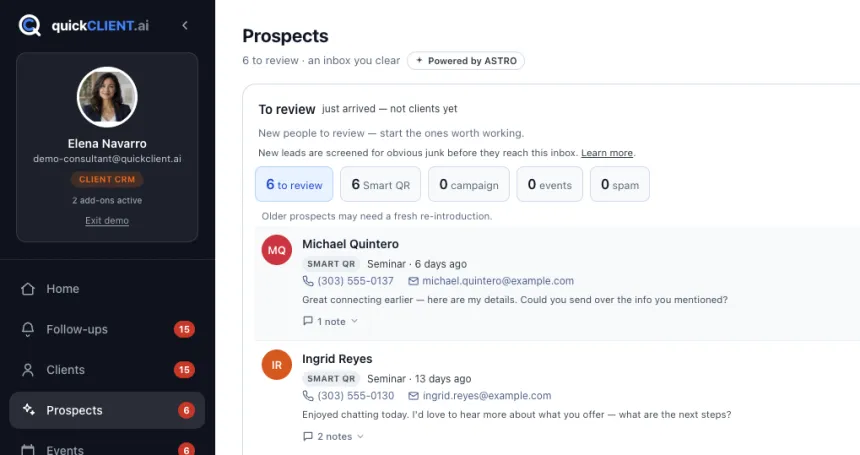
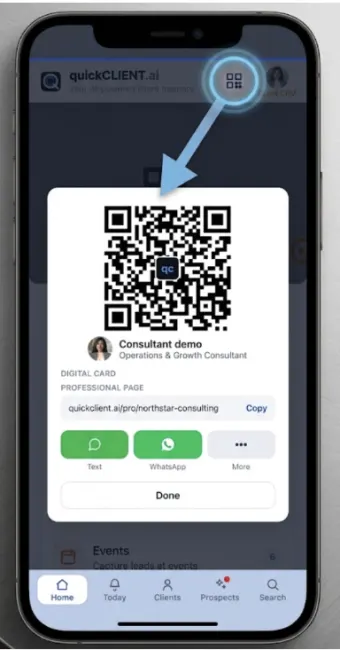
Turn cards, flyers, booths, and events into attributable prospects — with their source attached.

Use alone or combine

Walkthroughs

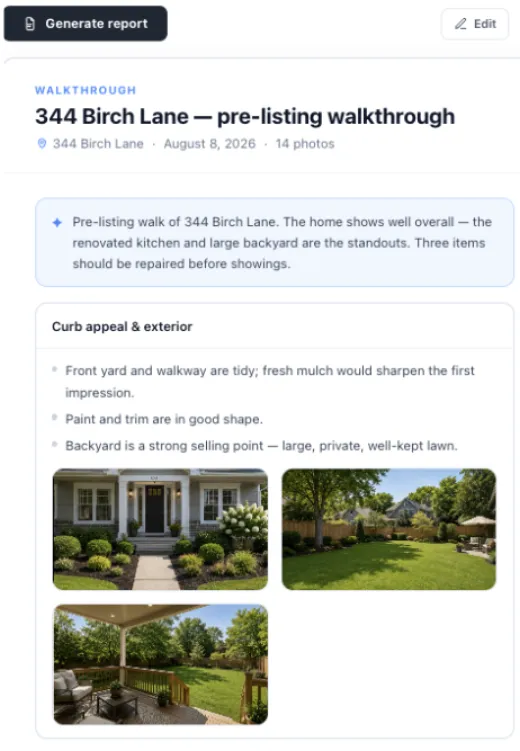
Talk, take photos, and generate a professional report you can review and export.

Use alone or combine
A day in the work

Ready before you say hello

1
Start of day

Open your follow-ups — who needs you, first.

2
A prospect scans your card

They land in Prospects with the source attached.

3
A client calls

Type a few letters; their snapshot is up before you answer.

4
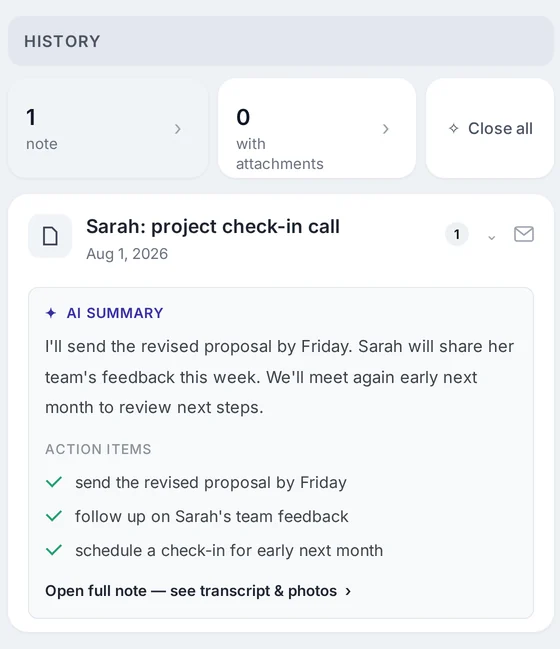
After the meeting

Record a quick recap; quickCLIENT drafts notes and follow-ups to review.

AI snapshot of a client

Client AI snapshot — where they stand, their concerns, and the next step, drawn from your notes.

Ask about a client

Ask across your workspace or one client — answers cite the note they came from.

Ask, in plain language

Ask about your client work — answers you can trace

Ask across your workspace or narrow it to a single client. Answers are drawn from your own notes and records, and they show you the sources they came from.

  • Client-scoped: "What did Priya say about the school district?"
  • Across your clients: "Which clients mentioned refinancing?"
  • Every answer links back to the note it came from.

Ask works from your saved client notes and records — it helps you find and summarize what you already captured, and you stay in control of what to act on.

Who it's for

Built for people who live on relationships

If your work depends on strong client relationships and steady follow-through, quickCLIENT was built for you.

Realtors & mortgage

Keep buyer context, walkthroughs, and next steps together.

Insurance & financial

Renewals, family needs, and referrals tracked in one place.

Consultants & client-service professionals

Keep conversations, visits, documents, and next steps organized around the people you serve.

See it first

Explore a demo, or follow the training path

Open a read-only demo workspace to click around, or follow the step-by-step training videos from setup to daily use.

Your client work, organized.

Capture prospects, remember clients, document walkthroughs, and keep the next step moving — in one workspace.

Your data stays yours.