A professional web page that turns visitors into prospects.
Start with a professional template already filled from your QuickClient profile. Update the words, photos and services in a simple desktop editor—your page preview changes as you work.
No coding No design software See every change instantly
Build and preview free. Publish for $10/month with Client CRM — $49/month minimum combined.
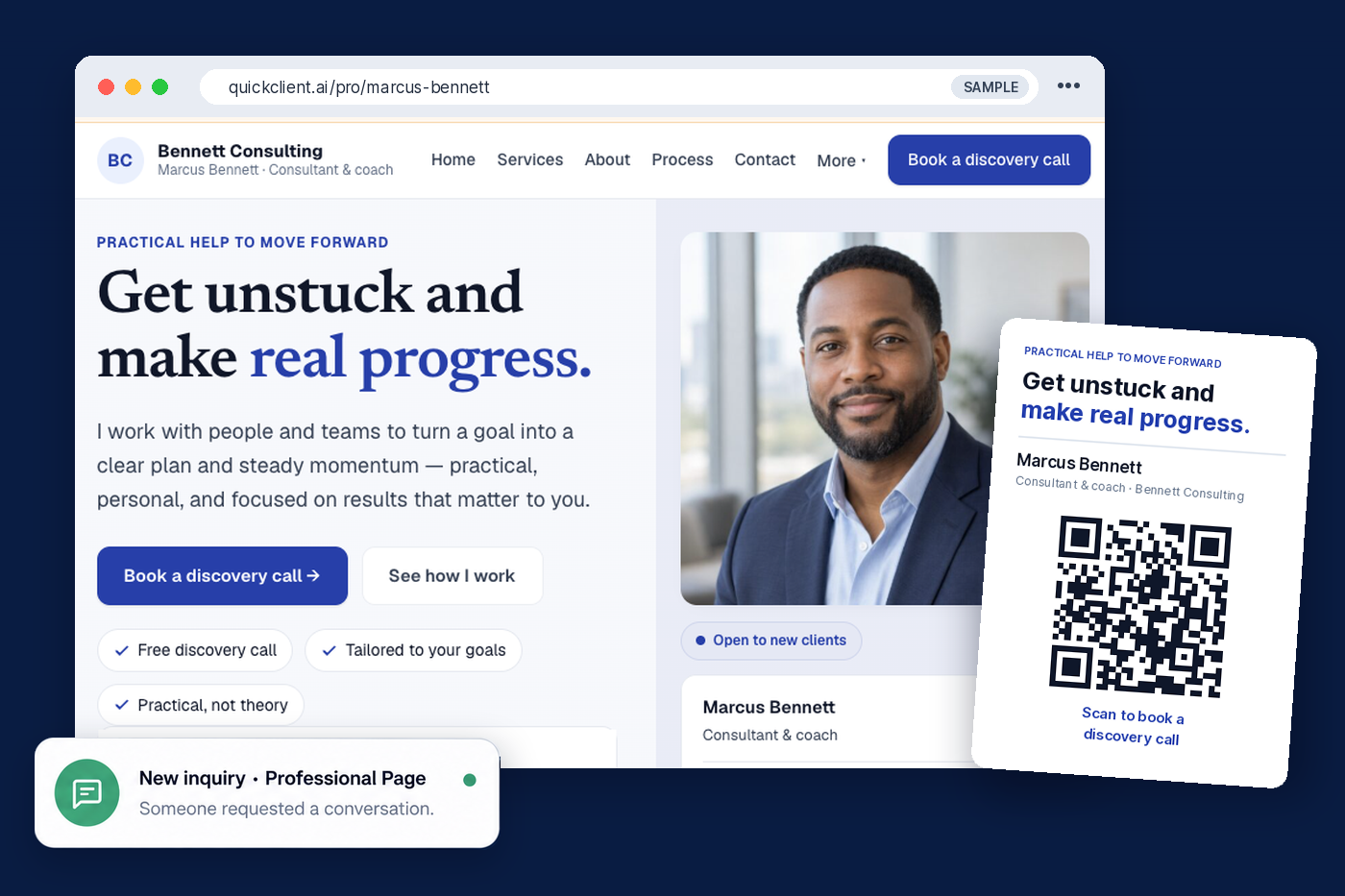
A professional page, a matching QR card and flyer, and new inquiries in your CRM — from one profile. Sample shown.
Explore the live demo — includes a published sample page →
Everything you need to look professional and capture interest.
Look established immediately
A polished page with your photo, services and contact options—without designing or maintaining a website.
Turn visitors into prospects
Contact submissions arrive directly in Prospects with their original source attached.
Promote yourself anywhere
Share your page by link, permanent QR code or print-ready flyer online and offline.
Turn interest into a scheduled conversation — add your existing booking link so visitors can schedule time directly from your Professional Page.
Booking button — add your Calendly, Cal.com, Google Calendar, Microsoft Bookings or other scheduling link. A separate provider account may be required; provider fees may apply.
Edit the words. Watch your page update.
On a computer, choose a section, update the text or photo, and see the finished page change beside you. QuickClient handles the layout, spacing, mobile formatting and contact form.
Practical, personal help to turn a goal into a clear plan.
Book a discovery callPrefilled from your profile
Start with your QuickClient profile already in place.
Edit ordinary fields
Update the text, photo or services. No technical skills needed.
Preview before publishing
See every change, then publish when you're ready.
Page editing is designed for desktop. Published pages work on desktop, tablet and mobile.
See how different professionals can make it their own.
Choose an example, then change every word, photo, service and section before publishing.
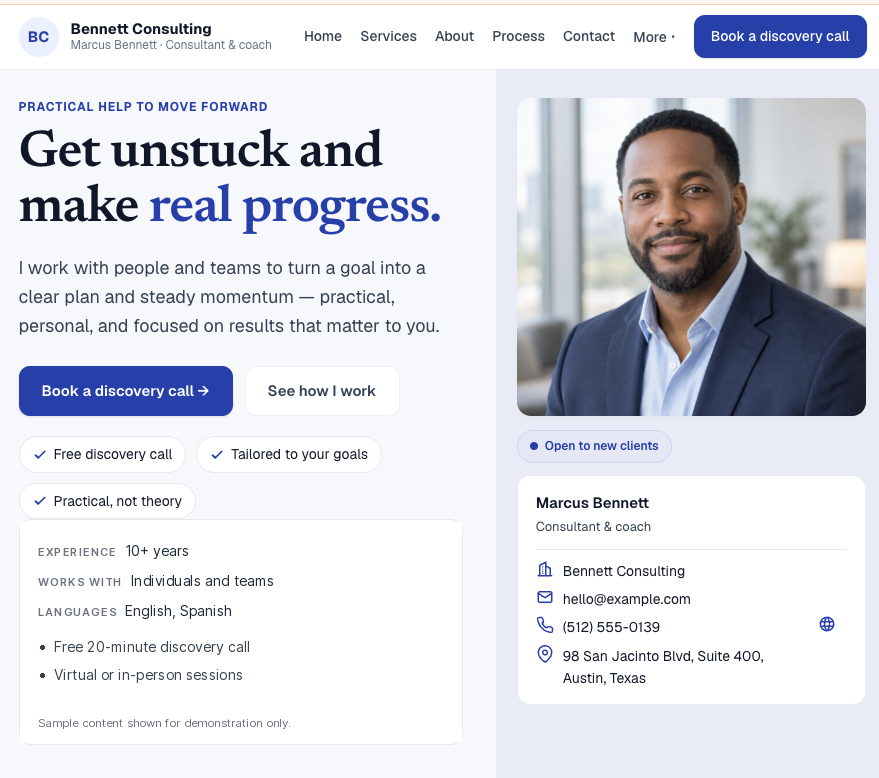
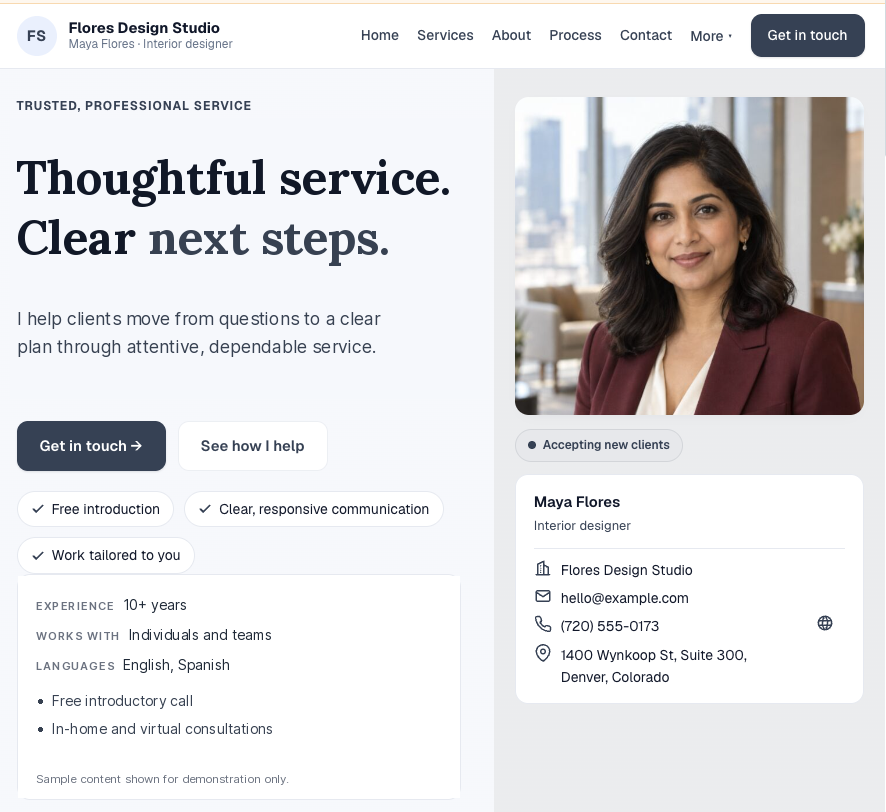
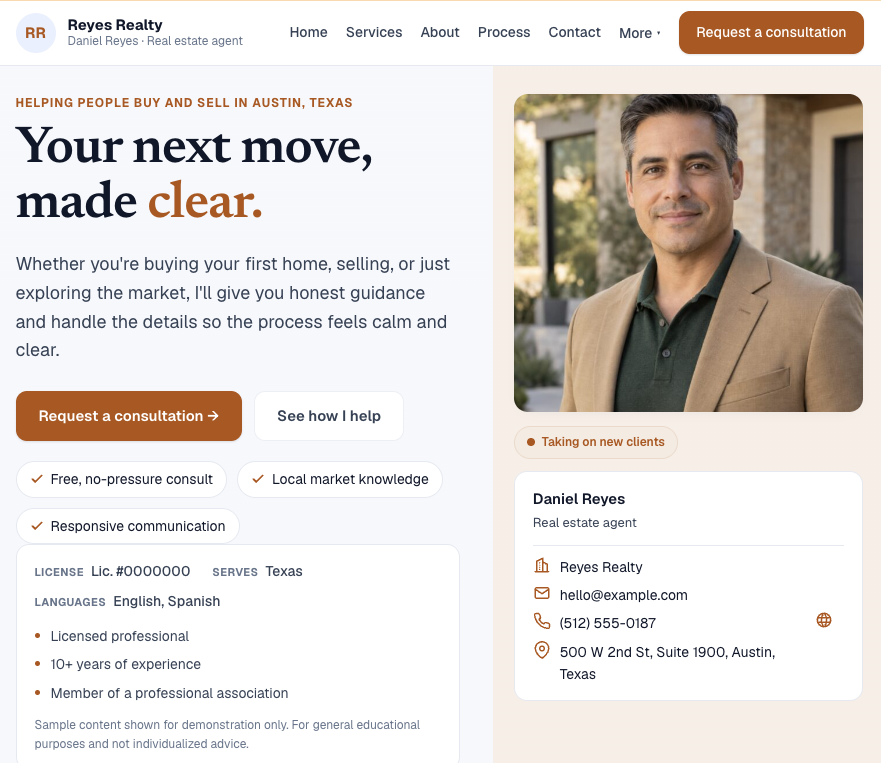
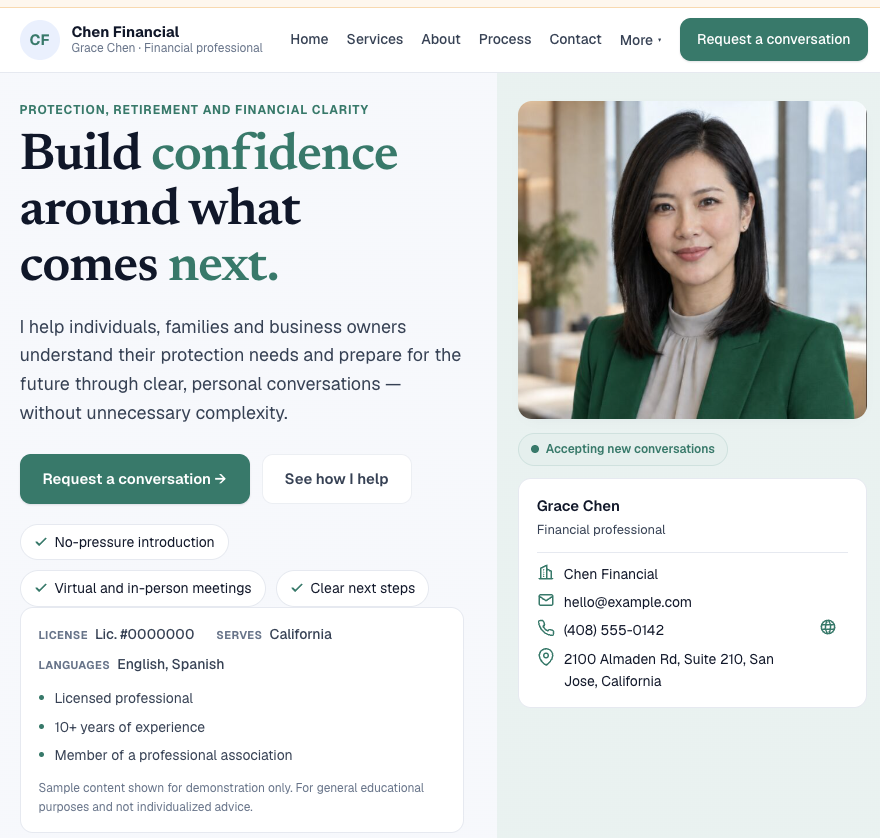
Fictional sample pages shown for illustration. Contact forms are disabled in this preview.
Examples are starting points only. Page owners are responsible for their content, credentials, disclosures and professional requirements.
See a published sample page in the live demo — fictional sample data →
One link connects your online and offline marketing to your CRM.
Every inquiry keeps its source, including direct page visits and flyer scans. Your permanent QR code keeps working even if your friendly page address changes.
What's included
Your public page
- Professionally designed templates
- Friendly public address
- Photo, logo and business details
- Services and specialties
- Experience, credentials and languages
- About, process and FAQs
- Resources and office information
- Mobile-friendly contact form
Your promotion tools
- Permanent QR code
- Print-ready professional flyer
- Direct and flyer source tracking
- Contact submissions delivered to Prospects
- Content saved after cancellation
- Future edits without rebuilding the page
Build and preview free. Publish for $10/month with Client CRM.
Client CRM plans start at $39/month, making the minimum combined cost $49/month.
- Requires an active Client CRM subscription
- No charge while building and previewing
- Cancel anytime
- With scheduled cancellation, the page remains active through the paid period
- Content stays saved after the page goes offline
Common questions
Do I need an existing website?
No. The professional page is your public page—there's nothing separate to build or host.
Can I build the page before paying?
Yes. Building and previewing are free. Publishing is $10/month on top of Client CRM (from $39/month), so the minimum combined cost is $49/month.
Where do contact submissions go?
Straight into Prospects in QuickClient, with the original source attached, ready to continue in Client CRM.
Will my printed QR code stop working if I change my page address?
No. The QR encodes a permanent link that keeps working even if you rename your friendly page address.
What happens when I cancel?
With a scheduled cancellation your page stays active through the paid period, then goes offline. Your content stays saved either way.
Do I need technical or design skills?
No. The desktop editor uses ordinary fields and organized sections. Update the words or photos and QuickClient handles the page layout and mobile formatting.
Does Professional Page require Client CRM?
Yes. It's a Client CRM add-on—an active Client CRM subscription is required to publish and stay live.
Turn your expertise into new opportunities.
Build a professional page, share it anywhere and keep every new inquiry connected to your CRM.