
Keep every field visit connected to the client.
An add-on that extends Client CRM.
Capture a visit with voice and photos, organize it into a professional report, and keep the work with the client relationship—not in a separate collection of files.
Or try the live demo — sample data, no signup →
Capture on your phone or tablet; review and export from your desktop.
Built for the field, finished at your desk
Voice & photos together
Talk through the site while you capture photos in the moment.
Organized report
An AI-organized report built from what you said and photographed.
Review, edit & reorder
Adjust the wording and move photos earlier or later within a section.
Professional PDF
Export a clean report you can hand to a client.
Your branding
Control which business-profile details appear on the report.
Built on Client CRM
Connect a walkthrough and its report to the client it belongs to, so the visit lives in that client's history.
You set the order that tells the story
Your voice notes and photos come back grouped into sections. Reorder within a section with Move earlier / later, tidy the captions — and what you see on screen is exactly what exports to PDF.
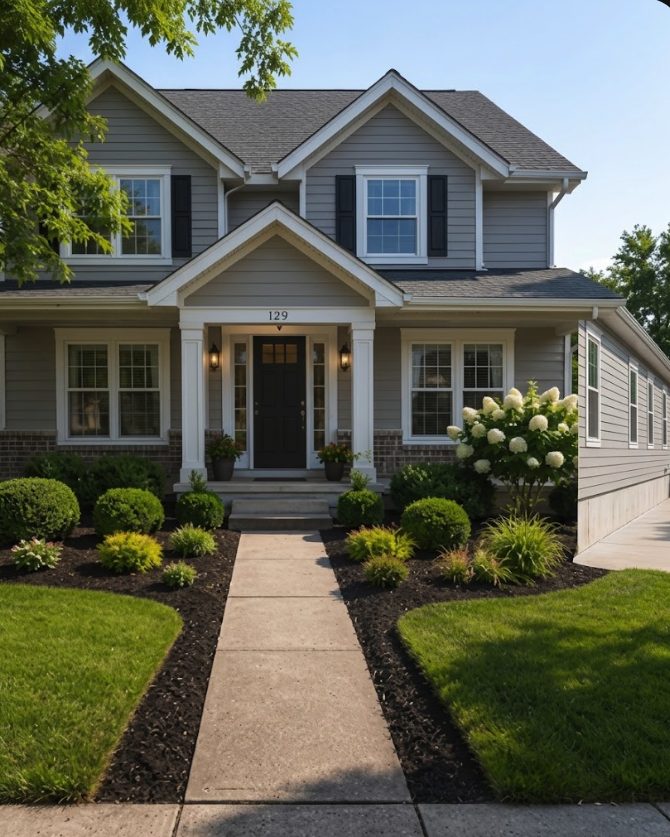 1↑↓
1↑↓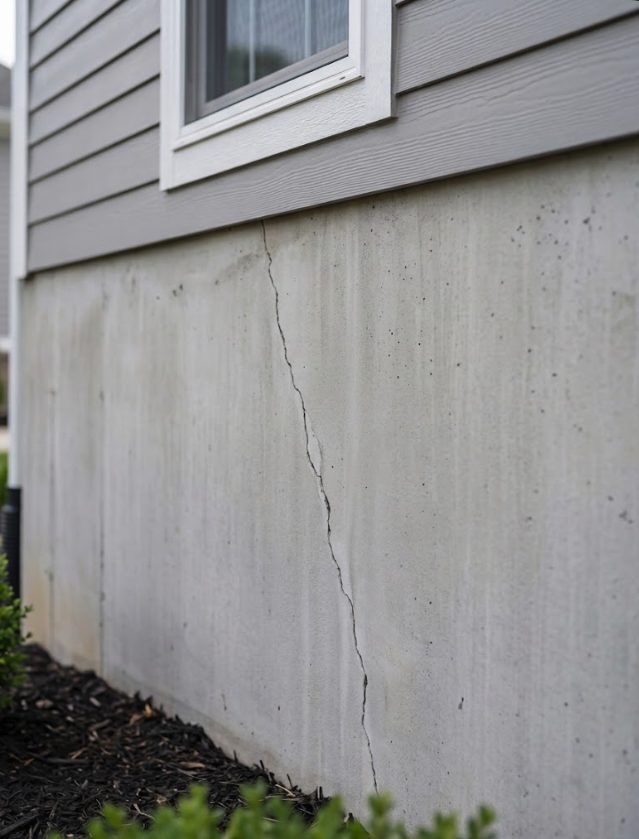 2↑↓
2↑↓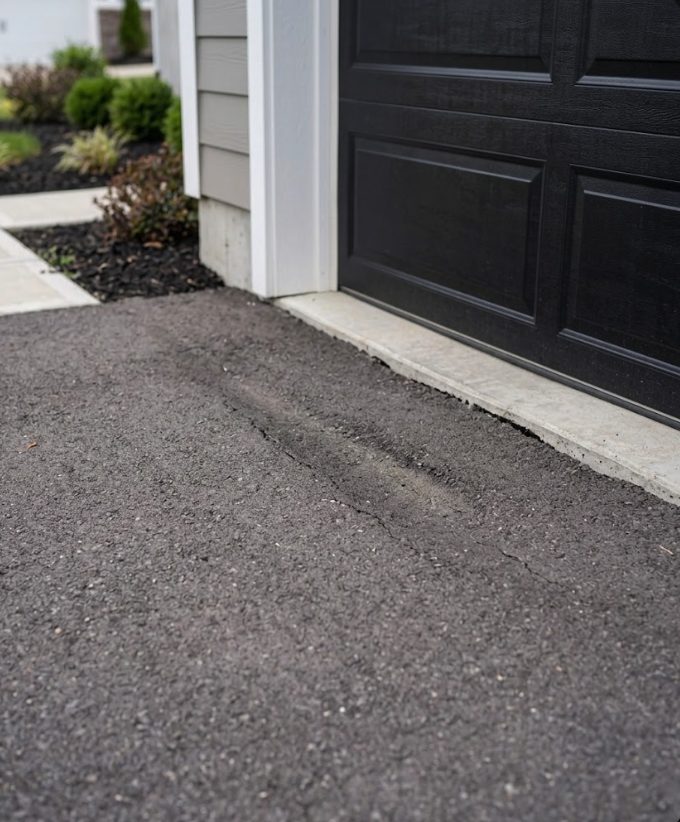 3↑↓
3↑↓Your past reports stay available
If the Walkthroughs module later becomes inactive, your previous walkthroughs stay here — you can still review and export those reports, read-only.
- Review and export past reports anytime
- Read-only access after the module is inactive
- Add the module again to create or edit
Walk. Talk. Take photos. Get the report.
Turn a site visit into an organized, shareable report — built from what you said and photographed.
Your data stays yours.